
If you've been collecting quotes for a new website, you've probably noticed that "web design" and "web development" get used as if they mean the same thing. They don't, and the difference affects what you pay for, who you hire, and how well your site works a year from now.
What Is Web Development?
Web development is the work of building the technology that makes a website function: the code, the platform, the hosting setup, the speed, the security, and the tools you use to manage it. Design, by contrast, decides how a site looks and feels, while development makes it load, respond, and do what it's supposed to do.
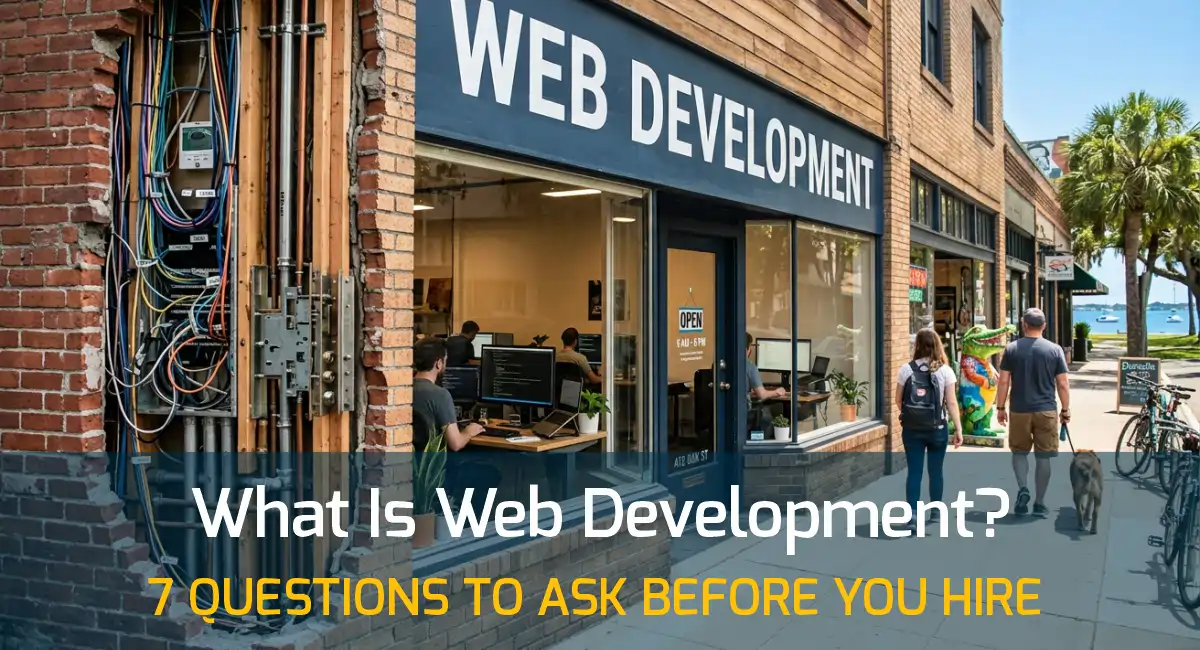
A simple way to think about it: design is the layout and signage of a storefront, and development is the wiring, plumbing, and locks. A beautiful storefront with bad wiring still loses customers.
Viewing on a phone? Rotate your screen to landscape for the best view of this table.
| Web design | Web development | |
|---|---|---|
| The main question | How should this look and feel? | How does this work, and how fast? |
| What it covers | Layout, colors, typography, imagery, and how visitors move through the pages | Code, platform, hosting setup, speed, security, forms, and integrations |
| You notice it when | A site feels clear, professional, and easy to follow | A site loads quickly, works on a phone, and nothing breaks |
| It goes wrong when | The look hides what you do or buries the next step | The site is slow, hard to update, or fragile |
A website isn't finished when it looks good. It's finished when it loads fast, works on a phone, and you can update it without calling anyone.
For most small businesses, you need both. Plenty of developers handle design too, and plenty of designers lean on a developer for the build. What matters is that someone is responsible for each half.
What Web Development Includes
Most small business websites need seven things done well. Here's what each one means in plain English.
1. Front-end development: what visitors see and tap
Front-end work turns a design into a working page: menus that open on a phone, buttons that respond, layouts that adjust to any screen size. It's also where much of your page speed is decided, because heavy images and extra scripts slow everything down.
2. The platform: WordPress, HTML, or something else
The platform is the system your site runs on. WordPress lets you edit your own content. A hand-coded HTML site is lighter, but changes go through a developer. Choosing between them is a web development decision, and it should follow your goals, not a developer's habits. My post on choosing between HTML and WordPress compares them side by side.
3. Hosting and setup
Where your site lives affects its speed and reliability. A good setup includes caching, a content delivery network, regular backups, and a current server, so pages load quickly for visitors in Dunedin and anywhere else.
4. Speed and Core Web Vitals
Google measures real-world loading and responsiveness through Core Web Vitals. A fast site keeps visitors, and a slow one loses them before they read a word. A developer should be able to show you your scores and explain what's holding them back.
5. Security and maintenance
Websites need regular updates: the platform, plugins, themes, and server software. Sites that aren't maintained are the ones that get hacked. Ask who handles updates and how often. My technical FAQs explain how I handle ongoing maintenance.
6. Forms, booking, and other integrations
Contact forms, booking tools, email signups, and connections to your other software are all part of the build. Each is one more piece that can break or slow the page, so each one should earn its place.
7. A search-friendly structure
Clean code, a sensible page structure, proper titles, and a sitemap give Google a clear picture of your pages. This is the technical groundwork for ranking, and it's why a well-built website is the real foundation of local SEO.
The Main Ways to Build a Website
There's no single right answer. Each approach fits a different kind of business.
Viewing on a phone? Rotate your screen to landscape for the best view of this table.
| Approach | Best for | Strengths | Trade-offs |
|---|---|---|---|
| Hand-coded HTML | Small, focused sites that rarely change | Very fast, secure, and low maintenance | Updates go through a developer |
| Custom WordPress | Sites that grow, publish content, or need features like booking | You can edit content yourself, and it scales | Needs regular updates and a clean build to stay fast |
| Page builders on WordPress (Divi, Elementor) | Flexible layouts without custom code for every section | Quick to build, with visual editing | Can get heavy if used carelessly |
| Website builders (Wix, Squarespace) | Very small budgets or simple pages | Quick, with a low upfront cost | Limited control, and you don't own the platform |
I build with custom HTML and custom WordPress every day, and I use page builders like Divi and Elementor when they fit, so the right choice depends on your goals, not on a default. If you're already on a closed platform like Wix and it's holding you back, a secure website migration can move you to something you own.
What Web Development Costs in Tampa Bay
Cost depends on scope more than anything else: the number of pages, features like booking or ecommerce, and whether the content is already written. My own packages start at $1,500 for a hand-coded HTML site and $2,500 for a custom WordPress site, and larger projects are quoted to fit what they need. You can see what's included at each level on my pricing page, and my Tampa Bay website cost guide breaks down what small businesses typically pay.
Most projects take about 4 to 8 weeks from kickoff to launch, depending on scope and how quickly content and feedback come in.
Not sure which approach fits your business? Tell me what you're working on, and I'll give you a straight answer, with no pressure and no obligation.
How to Tell Good Web Development From Bad
You don't need to read code to spot the difference. Look for these signs.
| A good sign | A red flag |
|---|---|
| The site loads quickly on your phone | Slow loading, heavy sliders, or autoplay video |
| You own the domain, the content, and the custom work | The developer "holds" the site and you can't move it |
| There's a clear plan for updates and backups | Nobody knows who updates the plugins |
| The developer explains trade-offs, including when not to hire them | Everything is "unlimited" and "guaranteed to rank #1" |
| You can see real work and talk to past clients | No examples, or the same screenshots reused everywhere |
A good developer can explain every choice in plain English. If they can't, the choice probably wasn't made for you.
Questions to Ask Before You Hire a Web Developer
Bring these to your first conversation:
- What platform will you use, and why is it right for my business?
- Will I own the site, the content, and the domain when it's finished?
- How will you keep the site fast, and can you show me my speed scores?
- Who handles updates, backups, and security after launch, and what does that cost?
- How long will the project take, and what do you need from me?
- Will I be able to edit my own content?
- What happens if I want to move to another developer or host later?
Does a Local Web Developer Matter?
It can. I'm based in Dunedin and work with businesses across Clearwater, St. Petersburg, and Tampa, and a local developer can meet in person, understands the market your customers live in, and is easy to reach when something needs attention. That said, location matters less than the questions above. A developer who answers those well, wherever they're based, is worth talking to.
The Bottom Line
Web design is how your site looks, and web development is how it works. Both matter, but development is the half you can't see, which is why it's the half most worth understanding before you hire. If you'd like a straight answer on what your site needs, you can book a call. I work with businesses across Tampa Bay, and I'll tell you honestly whether I'm the right fit.

About The Author
Hector Morales
Hector, Founder & Lead Designer of Online Survival, brings over 20 years of experience in web design, WordPress development, graphic design, and digital strategy. He helps businesses create custom websites built around clarity, performance, and long-term growth.
Frequently Asked Questions
Is web development the same as web design?
No. Web design is how your site looks and feels. Web development is how it works: the code, the platform, the speed, and the security. Most small business projects need both, and many developers handle both.
How long does web development take?
Most small business websites take about 4 to 8 weeks from kickoff to launch. The timeline depends on the number of pages, the features you need, and how quickly content and feedback come in. Smaller hand-coded HTML sites can move faster.
How much does web development cost in Tampa Bay?
It depends on scope. My packages start at $1,500 for a hand-coded HTML site and $2,500 for a custom WordPress site, and larger projects are quoted to fit their needs. My Tampa Bay website cost guide breaks down what small businesses typically pay, and my pricing page shows what's included.
Do I need a web developer if I use WordPress?
Not for every task. You can add posts and edit pages yourself. A developer matters for the build itself, performance, security, and anything custom, which is where most WordPress sites run into trouble. If you're choosing a platform, my WordPress web design page explains how I approach it.
Can AI build my website instead?
AI tools can produce a basic site quickly, but the results tend to look generic, and speed, security, ownership, and conversion strategy are left to you. My post on whether you still need a web designer in 2026 covers when AI is enough and when it isn't.